



Startup DreamersStartup Dreamers
  • Home
  • Startup
  • Money & Finance
  • Starting a Business
    • Branding
    • Business Ideas
    • Business Models
    • Business Plans
    • Fundraising
  • Growing a Business
  • More
    • Innovation
    • Leadership
Trending

Elon Musk’s Grok ‘Undressing’ Problem Isn’t Fixed

January 23, 2026

Congress Nears Renewal Of Medicare Telehealth Coverage

January 23, 2026

Former USDS Leaders Launch Tech Reform Project to Fix What DOGE Broke

January 22, 2026
Facebook Twitter Instagram
  • Newsletter
  • Submit Articles
  • Privacy
  • Advertise
  • Contact
Facebook Twitter Instagram
Startup DreamersStartup Dreamers
  • Home
  • Startup
  • Money & Finance
  • Starting a Business
    • Branding
    • Business Ideas
    • Business Models
    • Business Plans
    • Fundraising
  • Growing a Business
  • More
    • Innovation
    • Leadership
Subscribe for Alerts
Startup DreamersStartup Dreamers
Home » Google Warns Gmail Users Ahead Of New Security Alerts—Set Up 2FA Now
Innovation

Google Warns Gmail Users Ahead Of New Security Alerts—Set Up 2FA Now

adminBy adminAugust 24, 20230 ViewsNo Comments3 Mins Read
Facebook Twitter Pinterest LinkedIn Tumblr Email

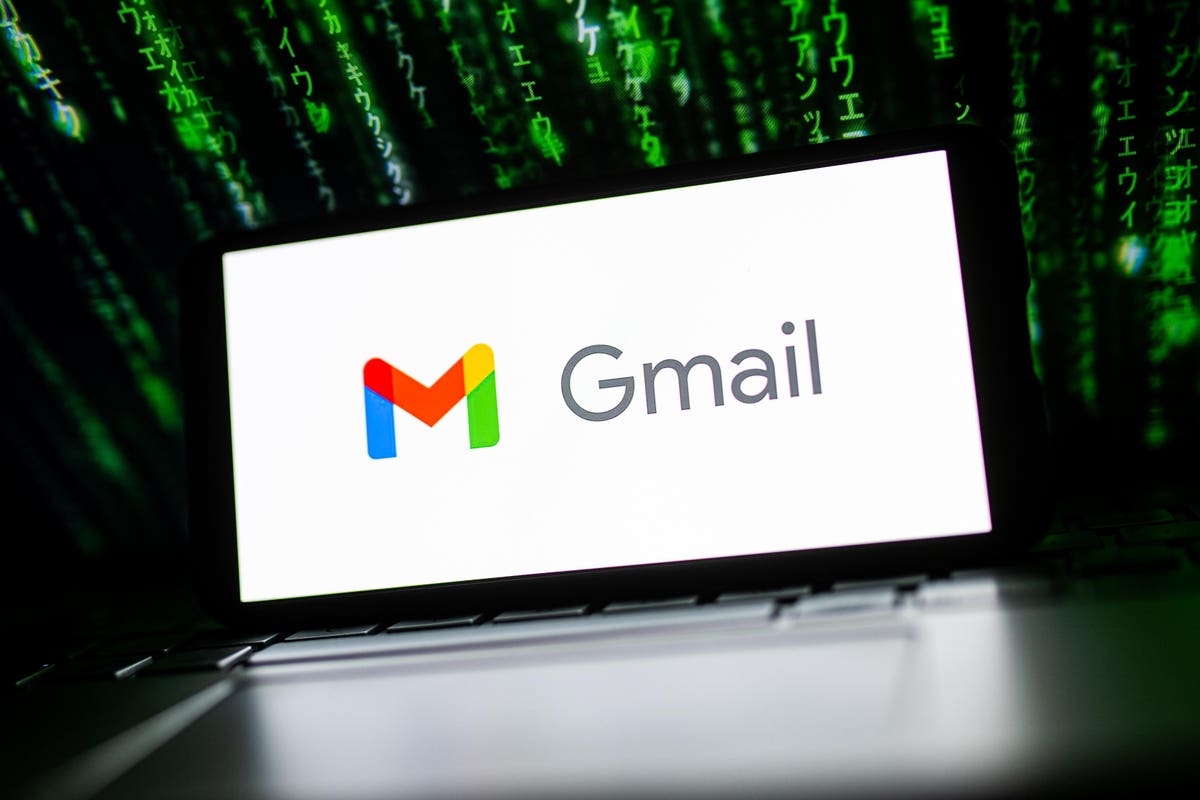
In a brief but essential August 23 posting to the official Google Workspace updates feed, Gmail users have been advised to set up two-factor verification now. The advice comes as Google starts rolling out a new critical security alert system to help protect account holders when “sensitive actions” are taken that impact their Gmail account.

New Security Applies To Specific Gmail Sensitive Actions

The sensitive actions that Google is referring to are specific to three things within Gmail:

Creating, editing, or importing a filter.

Adding a new forwarding address from the Post Office Protocol or Internet Access Message Protocol settings.

Enabling IMAP access status from settings.

What Happens If You Perform A Sensitive Action In Gmail?

Google has said that it will “evaluate the session attempting the action” in order to determine the level of risk. It hasn’t said precisely how this analysis works, but that’s understandable as it will want to minimize the capability for malicious actors to game the process. However, if one of the aforementioned sensitive actions is determined to be risky, then Gmail will display a prompt asking for further verification of the account holder’s identity. This will require a “second and trusted factor” to be completed, such as inputting a 2FA code from an authenticator app, text message, or phone call, using Google Prompts or a hardware security key.

If the user does not complete this verification challenge, or if an invalid action causes them to fail, a critical security alert notification will be sent to all trusted devices listed for that account. This then gives the user another opportunity to confirm it was them or to take the relevant steps to secure their Gmail account if not.

What Gmail Users Need To Do Now

As an ordinary user of Gmail, there’s actually nothing that’s needed to be done to configure this new critical security alert protection. If Google determines the sensitive action being performed is risky, then it will automatically display the verification prompt.

However, Google does recommend that Gmail users enable 2FA if they haven’t already done so in order to prepare for any such prompting. It’s an easy enough process to take, and the full steps can be found here. Enabling 2FA helps protect your Google account from malicious takeover, so it’s a security no-brainer.

Google advises admins of Workspace accounts to visit the help center to discover the options available to them, including the ability to turn off login challenge prompts temporarily.

The new system is starting to roll out now, but it could take a week or two before users start seeing those prompts.

Read the full article here

Share. Facebook Twitter Pinterest LinkedIn Tumblr Email

Related Articles

Congress Nears Renewal Of Medicare Telehealth Coverage

Innovation January 23, 2026

Thank Your Solar Neighbors For Saving You Money On Electric Bills

Innovation January 22, 2026

Today’s Wordle #1677 Hints And Answer For Wednesday, January 21

Innovation January 21, 2026

Hints, Answers And Full Solution For Tuesday, January 20

Innovation January 20, 2026

Today’s Wordle #1675 Hints And Answer For Monday, January 19

Innovation January 19, 2026

NASA Rolled Out Artemis —Here’s Why It Matters

Innovation January 18, 2026
Add A Comment

Leave A Reply Cancel Reply

Editors Picks

Elon Musk’s Grok ‘Undressing’ Problem Isn’t Fixed

January 23, 2026

Congress Nears Renewal Of Medicare Telehealth Coverage

January 23, 2026

Former USDS Leaders Launch Tech Reform Project to Fix What DOGE Broke

January 22, 2026

Thank Your Solar Neighbors For Saving You Money On Electric Bills

January 22, 2026

The Race to Build the DeepSeek of Europe Is On

January 21, 2026

Latest Posts

Hints, Answers And Full Solution For Tuesday, January 20

January 20, 2026

Tech Workers Are Condemning ICE Even as Their CEOs Stay Quiet

January 19, 2026

Today’s Wordle #1675 Hints And Answer For Monday, January 19

January 19, 2026

Inside OpenAI’s Raid on Thinking Machines Lab

January 18, 2026

NASA Rolled Out Artemis —Here’s Why It Matters

January 18, 2026
Advertisement
Demo

Startup Dreamers is your one-stop website for the latest news and updates about how to start a business, follow us now to get the news that matters to you.

Facebook Twitter Instagram Pinterest YouTube
Sections
  • Growing a Business
  • Innovation
  • Leadership
  • Money & Finance
  • Starting a Business
Trending Topics
  • Branding
  • Business Ideas
  • Business Models
  • Business Plans
  • Fundraising

Subscribe to Updates

Get the latest business and startup news and updates directly to your inbox.

© 2026 Startup Dreamers. All Rights Reserved.
  • Privacy Policy
  • Terms of use
  • Press Release
  • Advertise
  • Contact

Type above and press Enter to search. Press Esc to cancel.

GET $5000 NO CREDIT